01 Oct 2026 · 4 min read
Stock control for furniture shops: showroom, warehouse and on order
Sold the floor model twice? It happens once and you never forget the phone call. Live stock across every location is the fix.
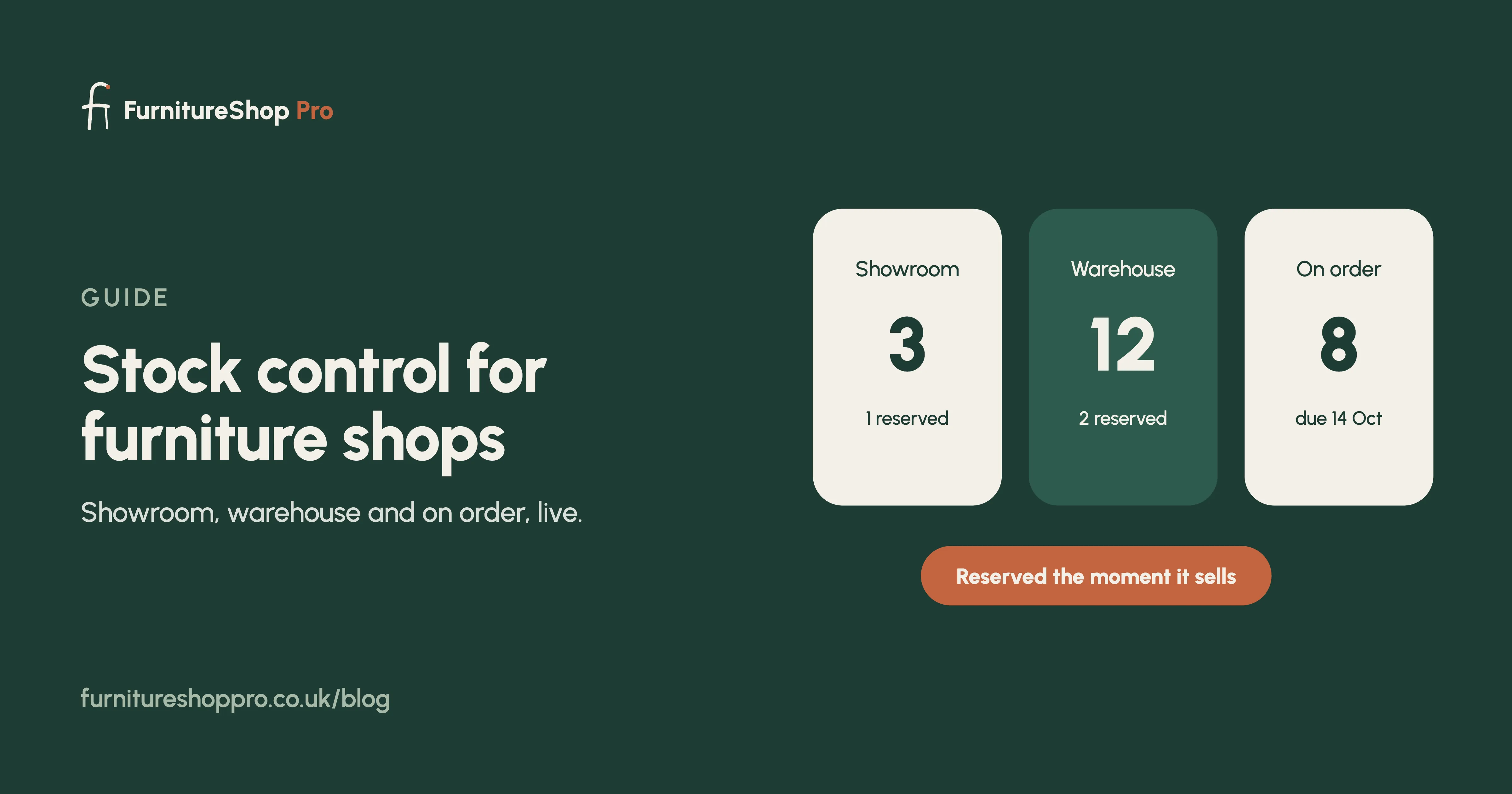
Three places stock lives
On the showroom floor, in the warehouse, and on order from the supplier. A grocery stock system counts one number. A furniture shop needs all three, per product, per variant, and needs to know which units are already promised to a customer.
Reserve on sale, not on delivery
The moment a sofa is sold it must be reserved on every screen in the shop, even if it will not leave the building for three weeks. Otherwise a second salesperson sells the same floor model on Saturday afternoon.
Variants without the mess
One sofa, six fabrics, two sizes, three leg finishes. Track the variants you actually stock and let made-to-order combinations be specified on the order rather than cluttering the stock list.
Purchase orders that close the loop
Raise the supplier order from the sale, receive it into the warehouse when it lands, and the customer's order moves to the next stage automatically. No separate list of what is due in.
Low-stock alerts
Set a reorder level on your best sellers and get a nudge when stock drops below it. Best sellers out of stock in November is a Christmas lost.
Counting
A stock count from a tablet, walking the floor and the warehouse, with differences flagged for a manager to accept. Once a quarter is enough for most shops.
See stock control in FurnitureShop Pro, or book a demo.
Frequently asked
Can I see stock in the warehouse from the shop floor?
Yes. Stock is live across every location on every screen, including what is on order from suppliers and when it is due.
Does it handle made-to-order pieces?
Made-to-order specifications live on the customer's order and raise a supplier purchase order, so they never clutter the stock list.