06 Oct 2026 · 4 min read
Spreadsheets vs furniture shop software: when is it time to switch?
A spreadsheet is free, flexible and already on your laptop. It is also where double-sold sofas and forgotten balances live.
What the spreadsheet does well
For a shop taking a handful of orders a week, a sheet with customer, item, deposit, balance and delivery date is genuinely fine. It costs nothing and everyone knows how to use it.
Where it starts to break
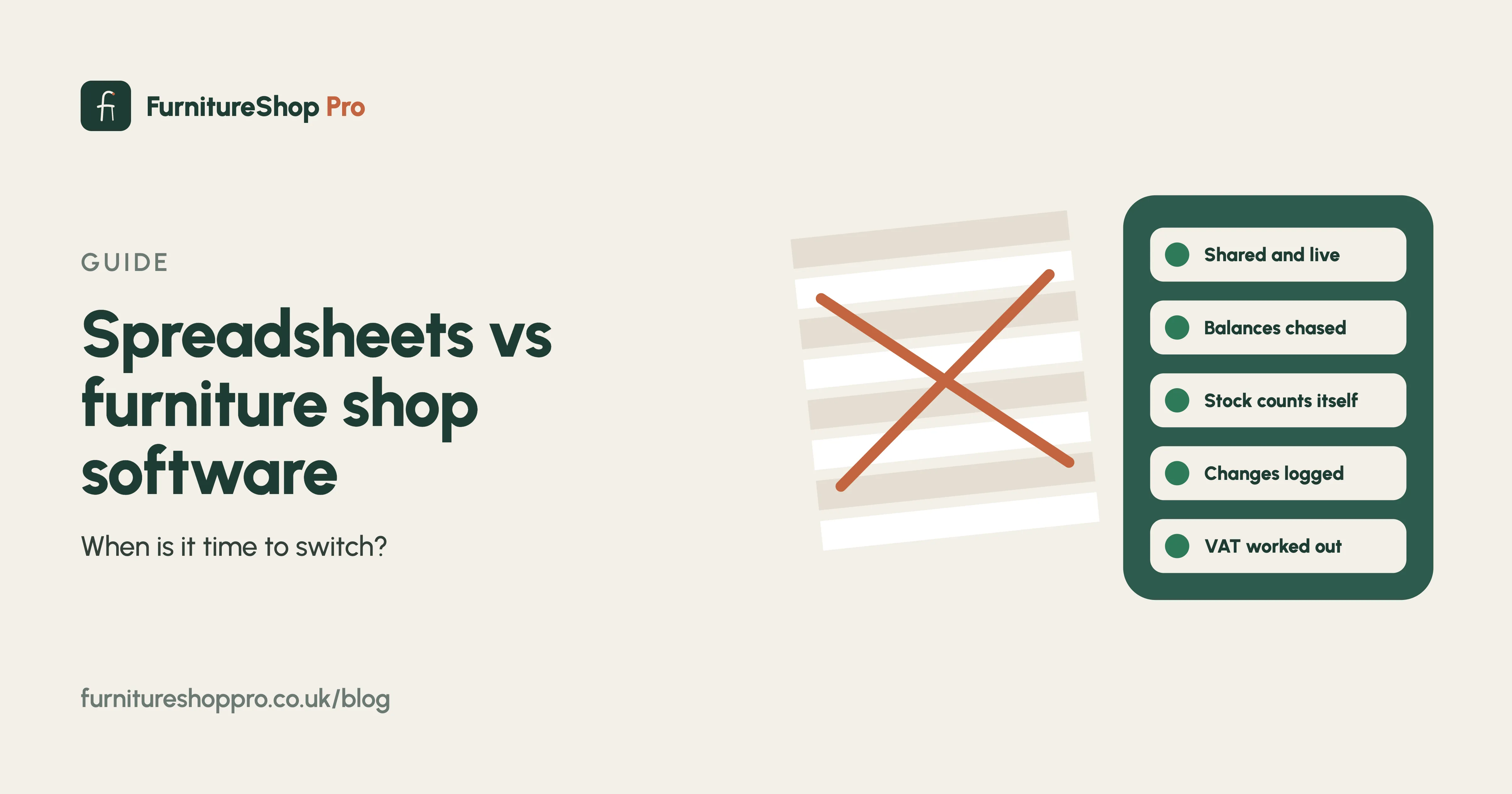
- Two people, one file. The showroom edits a row while the warehouse has the old copy open. The last save wins and a delivery date vanishes.
- Balances are not totals. A sheet can show what is owed, but it cannot send the reminder, take the payment or update itself when the customer pays by bank transfer.
- No history. Who changed the delivery date, and when? A spreadsheet does not know.
- Stock is a guess. Unless somebody counts every sale into the sheet, the showroom and warehouse numbers drift apart within a week.
- VAT at quarter end. Deposits taken this quarter and balances taken next quarter have different tax points. Working that out by hand every three months is where mistakes happen.
The hidden cost
The spreadsheet is free, but the Saturday afternoon spent reconciling it, the delivery that went out with £900 still owed, and the customer who rang three times to ask where their sofa was are not. Most owners we speak to put the real cost at several hours a week.
Signs it is time
You have more than one person taking orders, you take deposits, you deliver, or you are VAT registered. Any two of those and a shop system will pay for itself quickly.
Moving over
Your spreadsheet is the easiest thing to import: upload it and your customers, orders, deposits and delivery dates are loaded before you go live. Here is how the switch works, or book a demo and bring the file.
Frequently asked
Can I import my spreadsheet into FurnitureShop Pro?
Yes. Upload your Excel or CSV file and we map the columns to customers, orders, deposits, balances and delivery dates before you go live.
Can I still export to a spreadsheet?
Yes. Every list in the system exports to CSV, and your accountant can have Xero, QuickBooks or Sage exports with one click.