06 Oct 2026 · 4 min read
How to set furniture delivery charges that are fair, simple and never guessed at the till
Charge too little and the van loses money. Charge too much and the sale walks. The answer is a zone map everyone in the shop can see.
Start with your real cost
Add up the van, fuel, insurance and two people for a day, then divide by the drops you actually make. Many shops land between £35 and £60 per drop locally; further out it climbs fast. That is the number your charges have to cover on average.
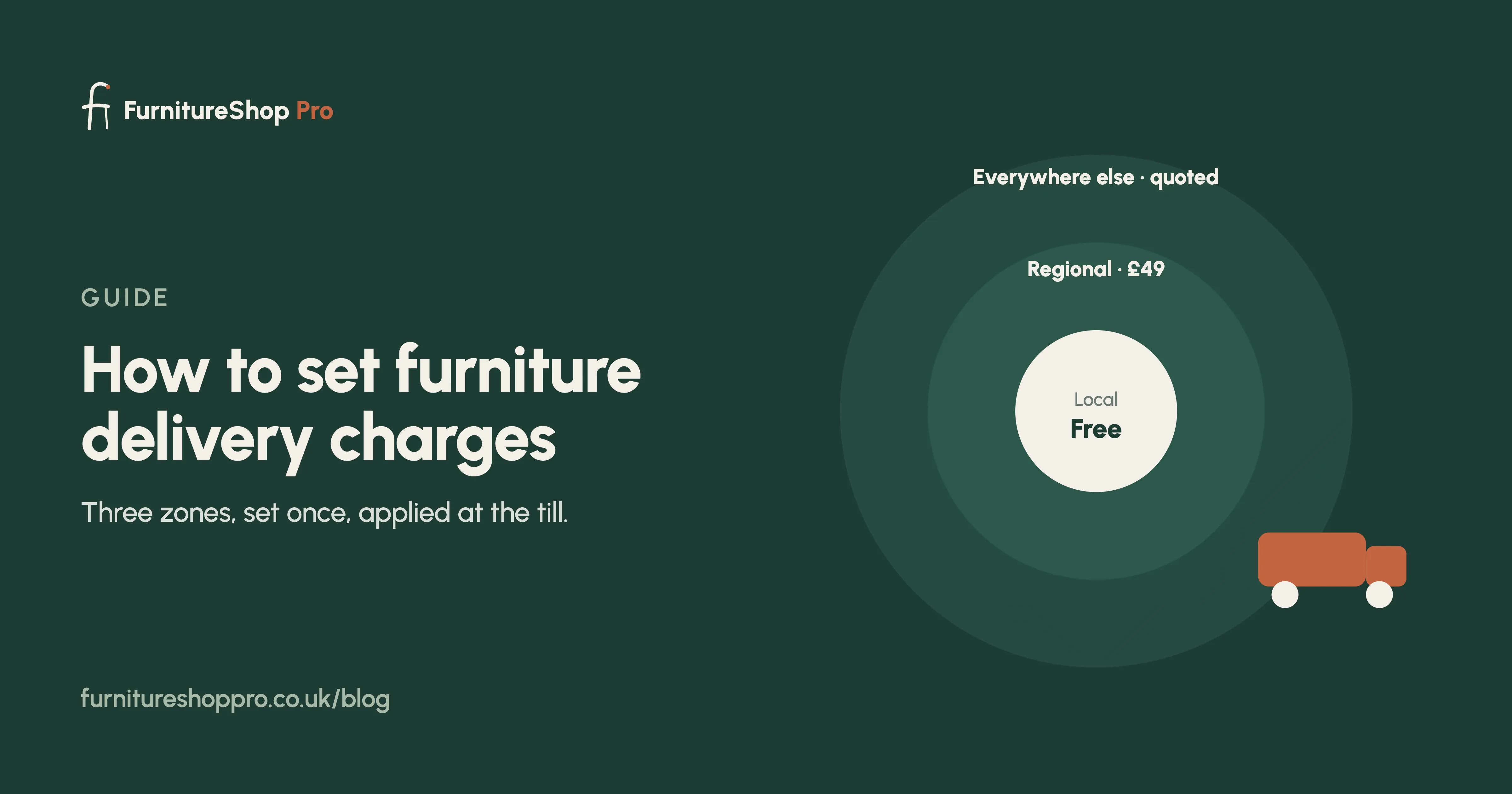
Three zones is usually enough
- Local: the postcodes you deliver to every week. Free with orders over a threshold, or a flat fee.
- Regional: the county around you. A flat fee that covers the longer run.
- Everywhere else: quoted per order, or a pallet courier.
Free delivery is a discount, not a gift
If you offer free local delivery over, say, £1,500, build the cost into the price of the pieces that qualify. Decide the threshold once and let the system apply it.
Put it in the system, not in people's heads
Set the zones by postcode area once. When staff book a delivery at the till the charge appears automatically, so nobody has to ask the owner and nobody undercharges a customer who lives further away than they said.
Two-hour slots and a confirmation
Offer AM or PM, or two-hour windows, and confirm by text the day before. A missed delivery because the customer was out costs a whole drop.
See delivery scheduling in FurnitureShop Pro, or read the guide to delivery scheduling.
Frequently asked
Can delivery charges be set by postcode in FurnitureShop Pro?
Yes. Create as many postcode zones as you like, each with its own charge and estimated days. The right charge is applied when a delivery is booked.
Can I offer free delivery over a certain order value?
Yes. Each zone can have a free-delivery threshold, applied automatically at the till.